Back to Discover
Trace a genealogy
Record the people and families behind the land — owners, tenants, lords, notaries and witnesses — and connect them across deeds, parcels, events and your family tree.
How it works
-
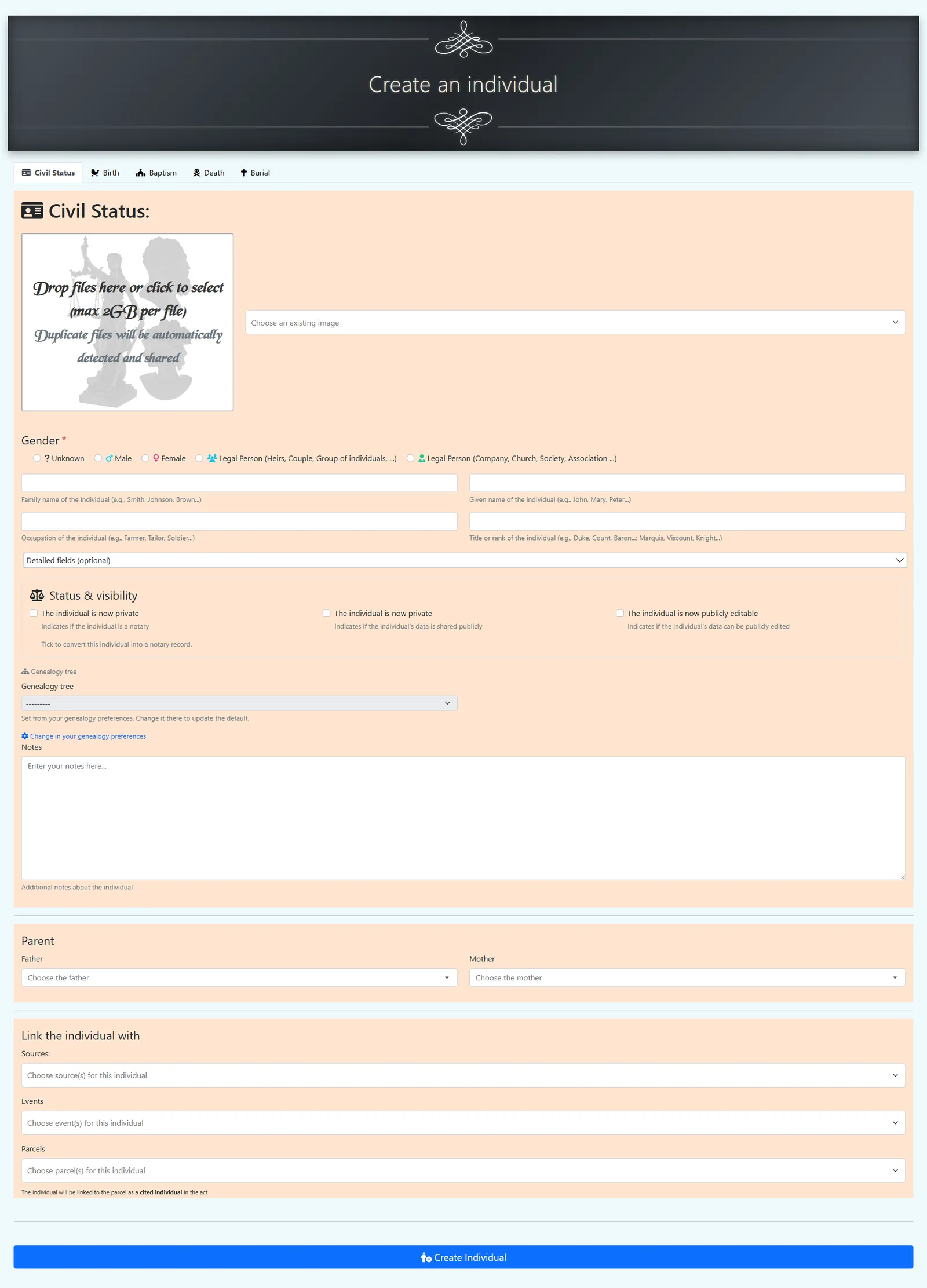
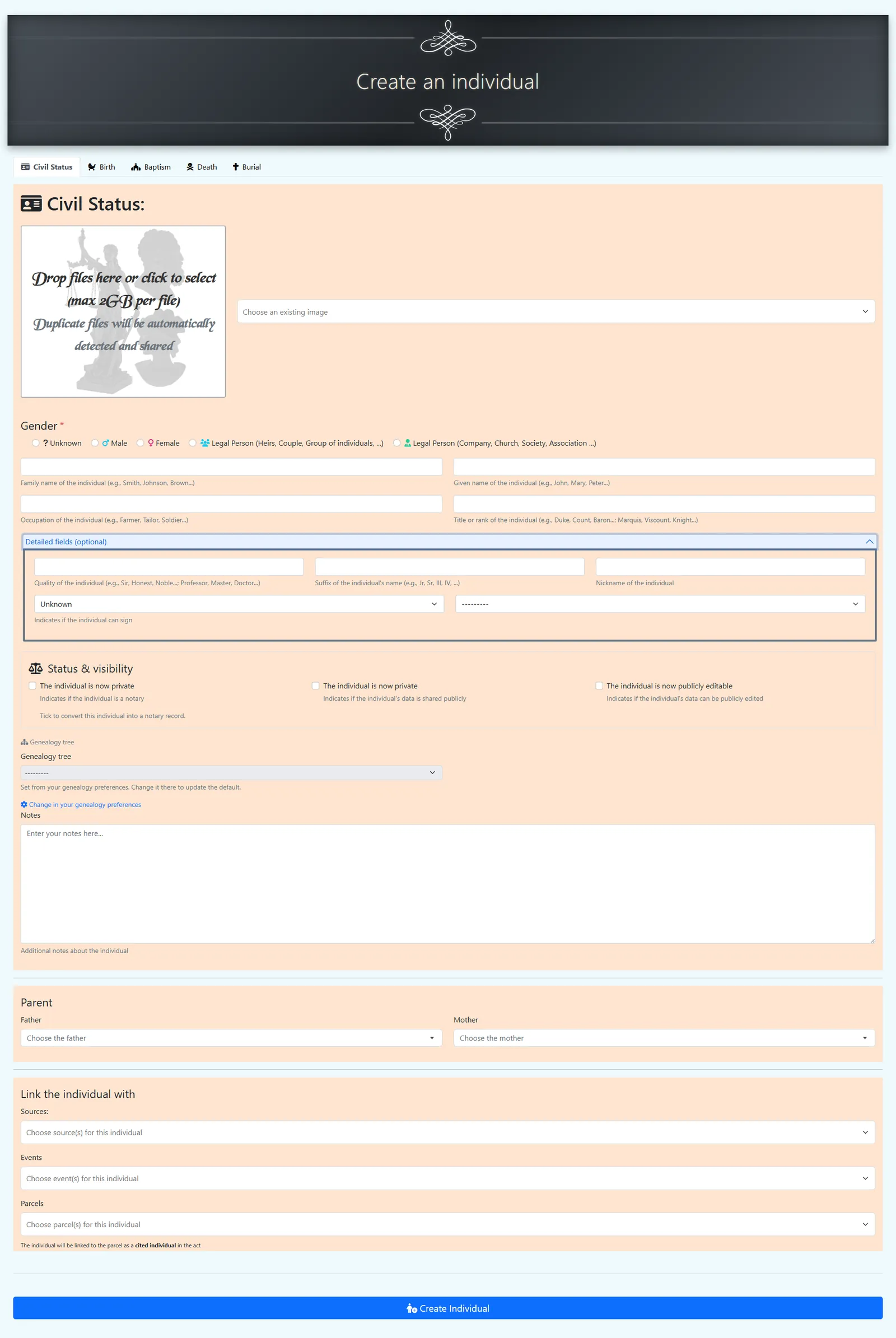
Add people and families. Create individuals — and also legal persons or groups (companies, communities, institutions) — with their names, dates and places.
Tip: you can also create an individual in context from any entity that references people — such as a parcel event, a source, or a notarial deed — without navigating away.
-
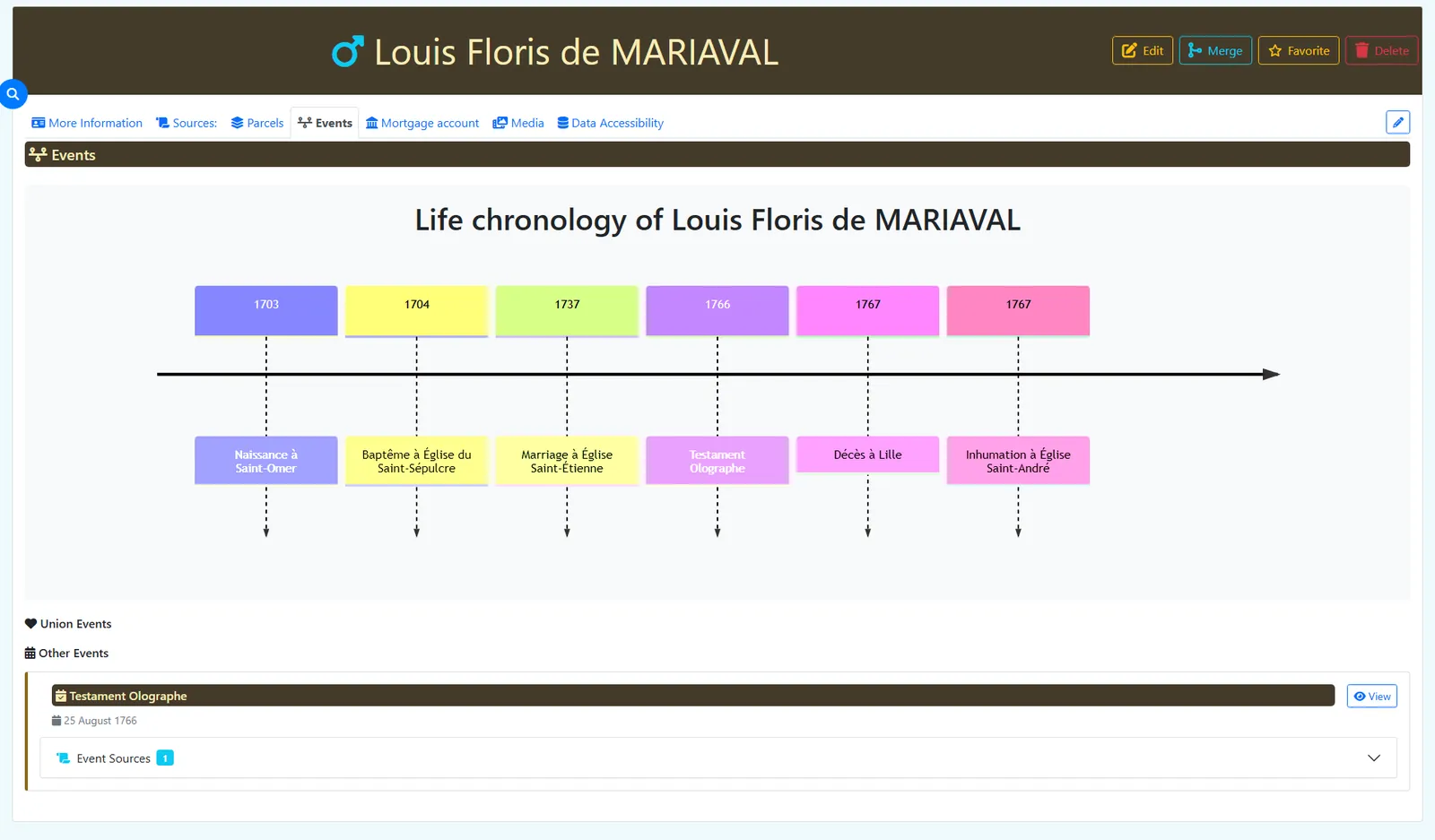
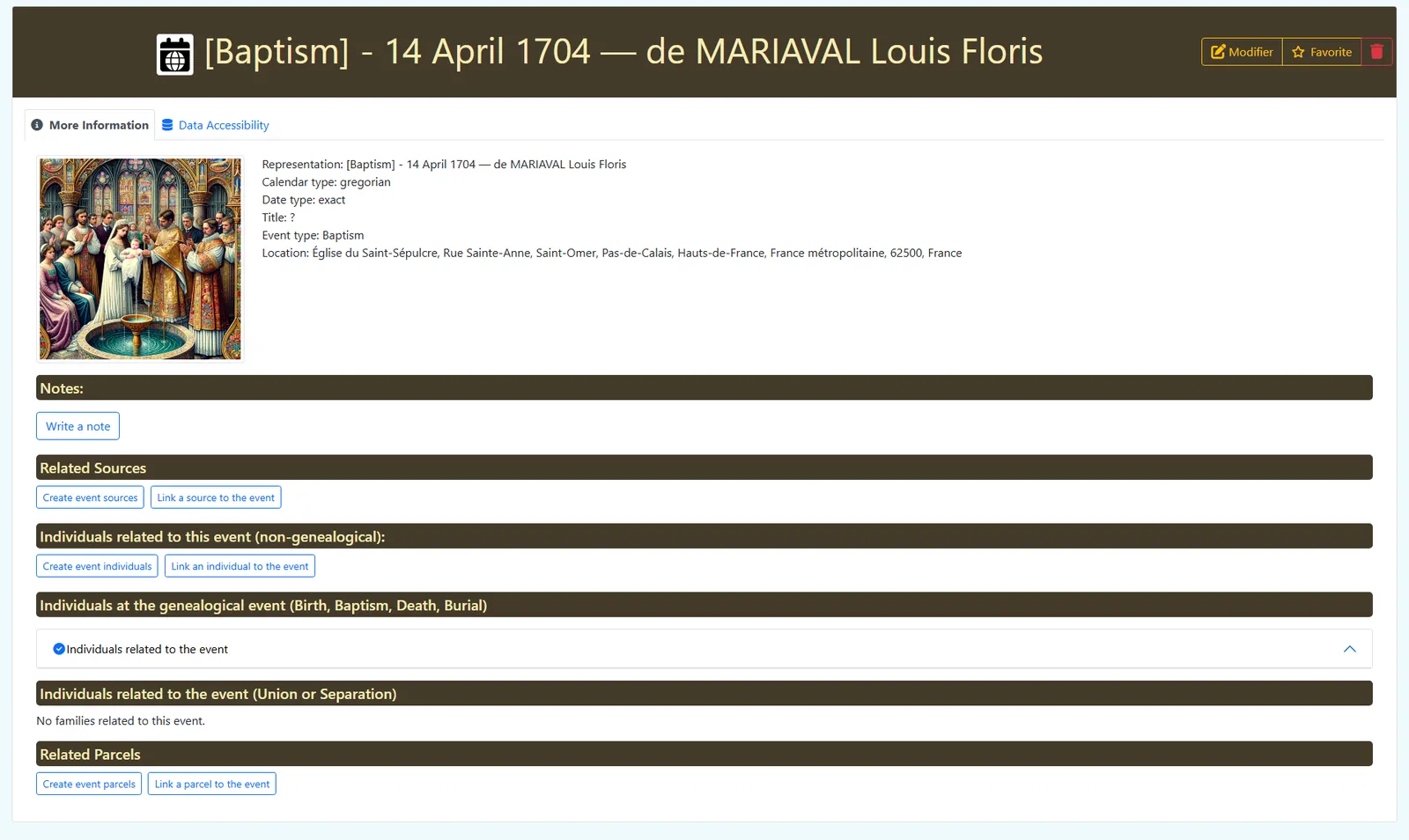
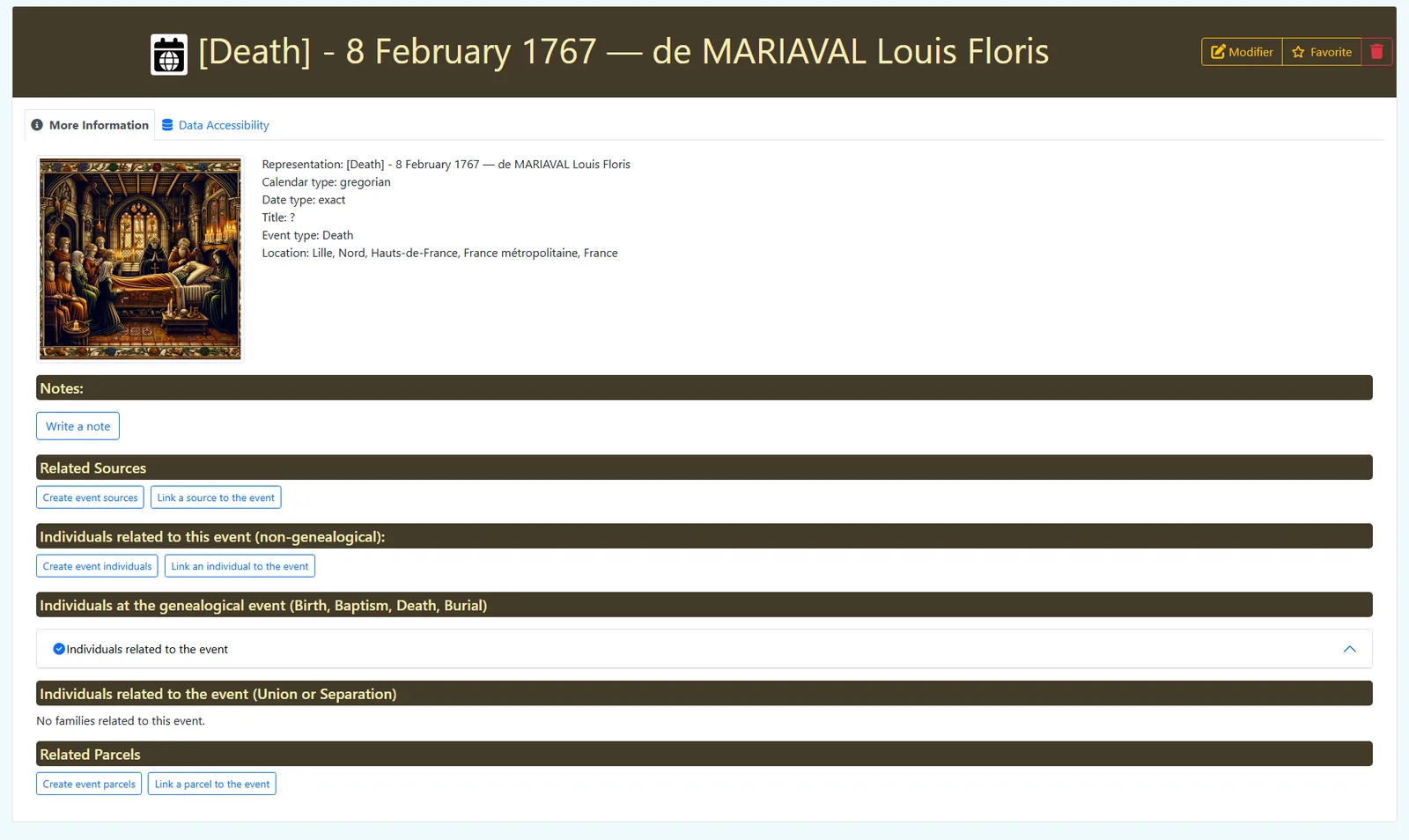
Record life events. Births, baptisms, marriages, deaths and burials — each dated, placed and, where you can, sourced.
Tip: you can add events directly from an existing individual's record — open the individual, navigate to the Events tab, and click + Event from there.
-
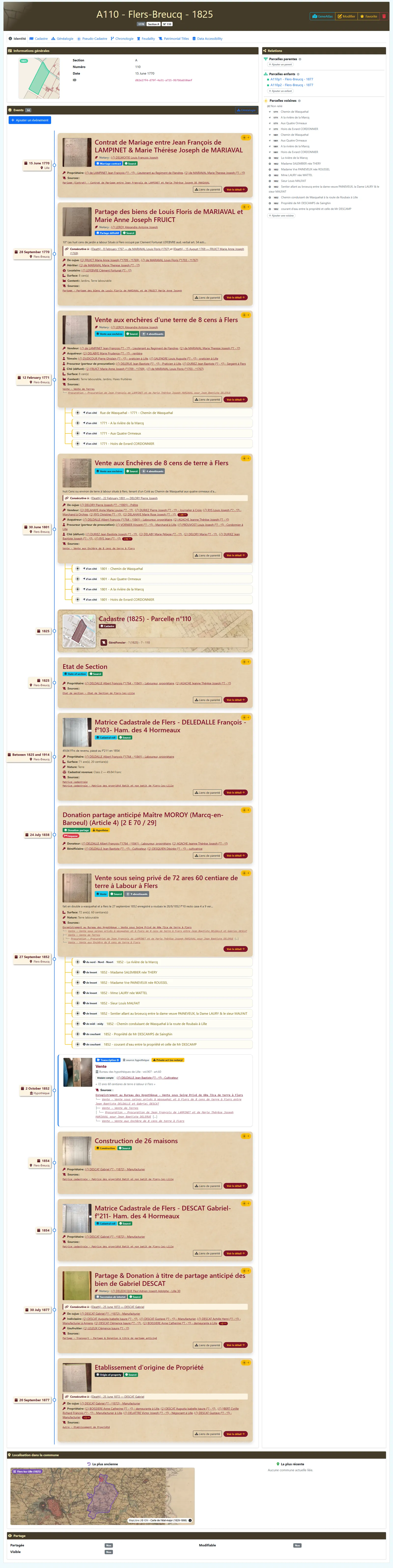
Link people to the land. Tie them to the parcels they owned, leased or held in tenure, in the roles they played in each deed.
-
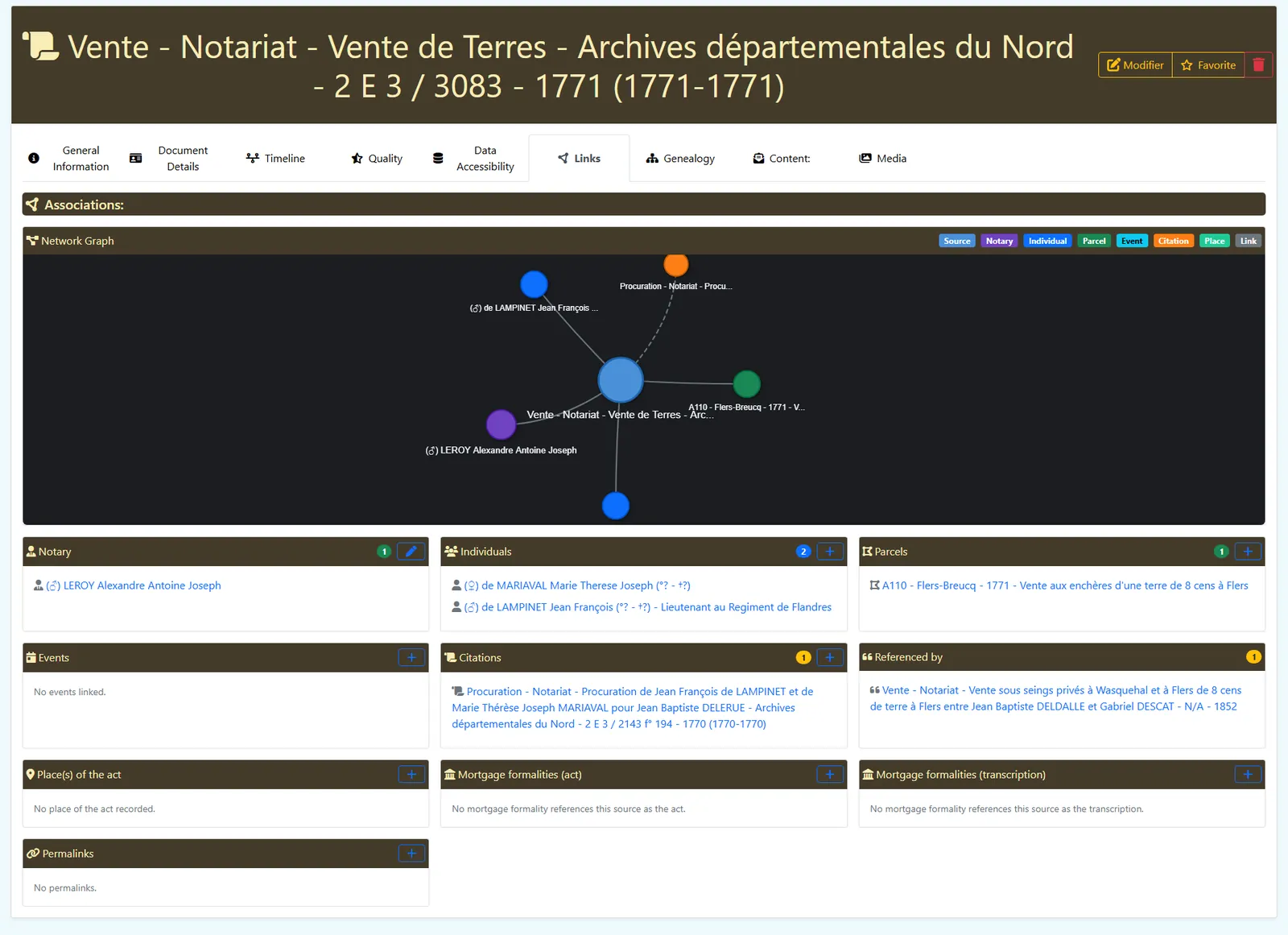
Back it with sources. Attach the registers, deeds and transcriptions that prove each fact.
- Bridge to your tree. Connect your land research to your existing genealogy through Webtrees and GEDCOM instead of duplicating it.
Ready to start?
Open the Studio and sketch your people and their links in minutes — then deepen each record with the detailed forms.
Open the Studio